
Engagement Heatmap
Row × column matrix: normalize how you want, color tells the story.
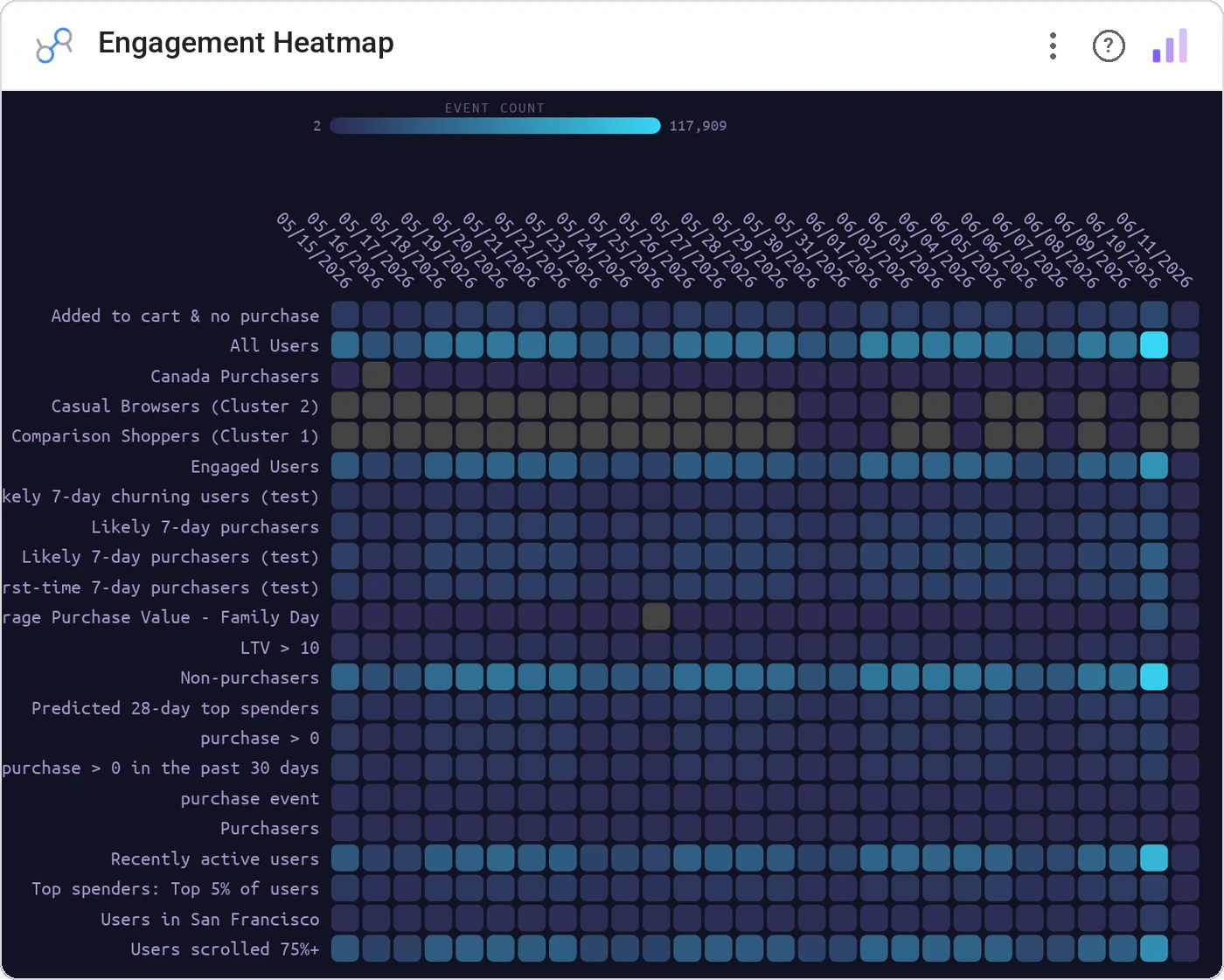
Engagement Heatmap is the general-purpose matrix view: rows × columns × value with column, row, or global normalization. Sequential or diverging scales, legend included, cross-filter on click.
Row/column/global normalized cell tints with sequential or diverging color, axis labels, color legend, cross-filter, theme-aware.
Heatmaps are only as good as their normalization. This one gives you all three modes so the pattern you want is what you see.
Three ways teams use it.
Campaign × audience response rate, column-normalized.
Feature × cohort retention, row-normalized.
Skill × role distribution, globally normalized.
Add it in 30 seconds.
Open your Data Studio report and click Add a chart → Community visualizations → Explore more.
Paste the Viz Studio manifest URL or pick this chart from the Viz Studio gallery card.
Bind the dimensions and metrics in the data panel. Done.
More from Tables, Calendars & Combo
All 75+ charts →
Full calendar grid: event volume painted across every cell.
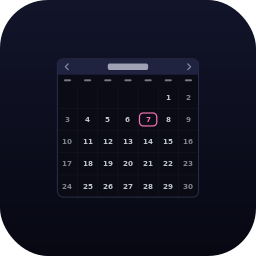
Compact monthly calendar: one cell, one number, instant pattern.
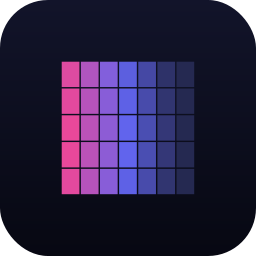
Day-of-week × hour heatmap: when your audience actually shows up.
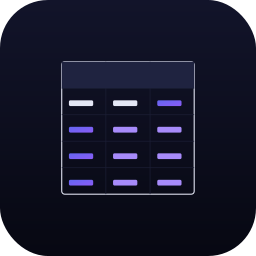
Row over row: DoD / MoM / YoY comparison table with deltas and % change.
Included in your vizstudio plan.
One plan, everything in it: the full library of 75+ charts. No per-seat upcharges, no metering. Build a real dashboard before you pay a cent.
Start free →