
Variable Radius Pie Chart
Variable-radius pie: angle is share, radius is a second metric.
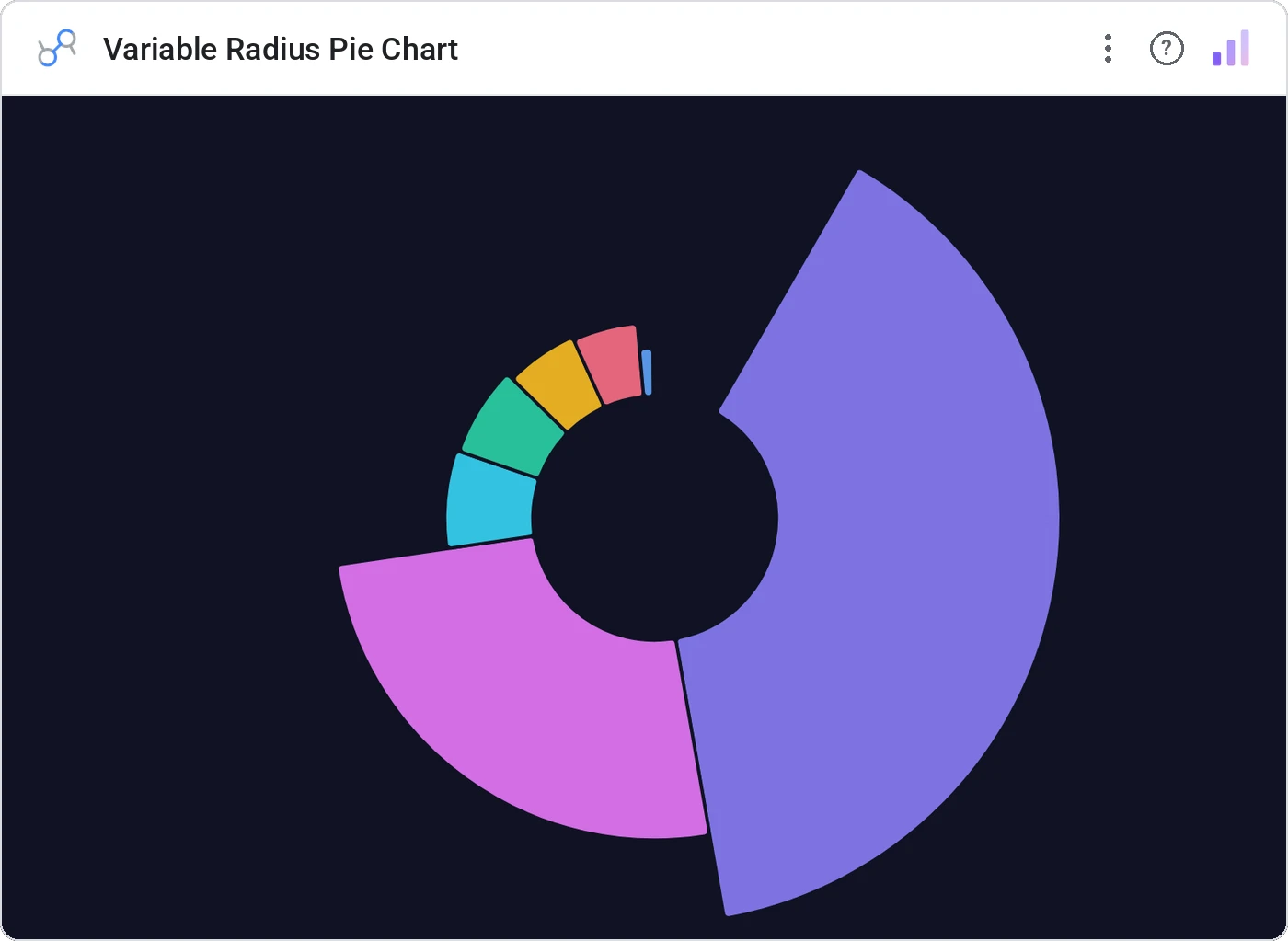
Variable Radius Pie Chart (a.k.a. nightingale rose) keeps the angle = share rule but extends each slice’s radius by a second metric, so volume × magnitude reads at a glance.
Pie with each slice extended to a per-slice radius driven by a second metric, with tooltip and legend.
Two metrics in one chart, in the form your audience already knows.
Three ways teams use it.
Customer share by region (angle) × LTV (radius).
Channel mix (angle) × conversion rate (radius).
SKU share (angle) × margin (radius).
Add it in 30 seconds.
Open your Data Studio report and click Add a chart → Community visualizations → Explore more.
Paste the Viz Studio manifest URL or pick this chart from the Viz Studio gallery card.
Bind the dimensions and metrics in the data panel. Done.
More from Pies, Donuts & Part-to-Whole
All 75+ charts →
Two donuts side-by-side: current vs prior, plan vs actual, the comparison view.

Nested donut rings: multiple metrics, same center, one composition.

Variable-radius nested donut: two metrics per slice, one chart.

10×10 grid (every square is 1%), the part-to-whole everyone reads correctly.
Included in your vizstudio plan.
One plan, everything in it: the full library of 75+ charts. No per-seat upcharges, no metering. Build a real dashboard before you pay a cent.
Start free →