
Connection Map
Entity rows with bezier arcs: pairwise strength, sorted.
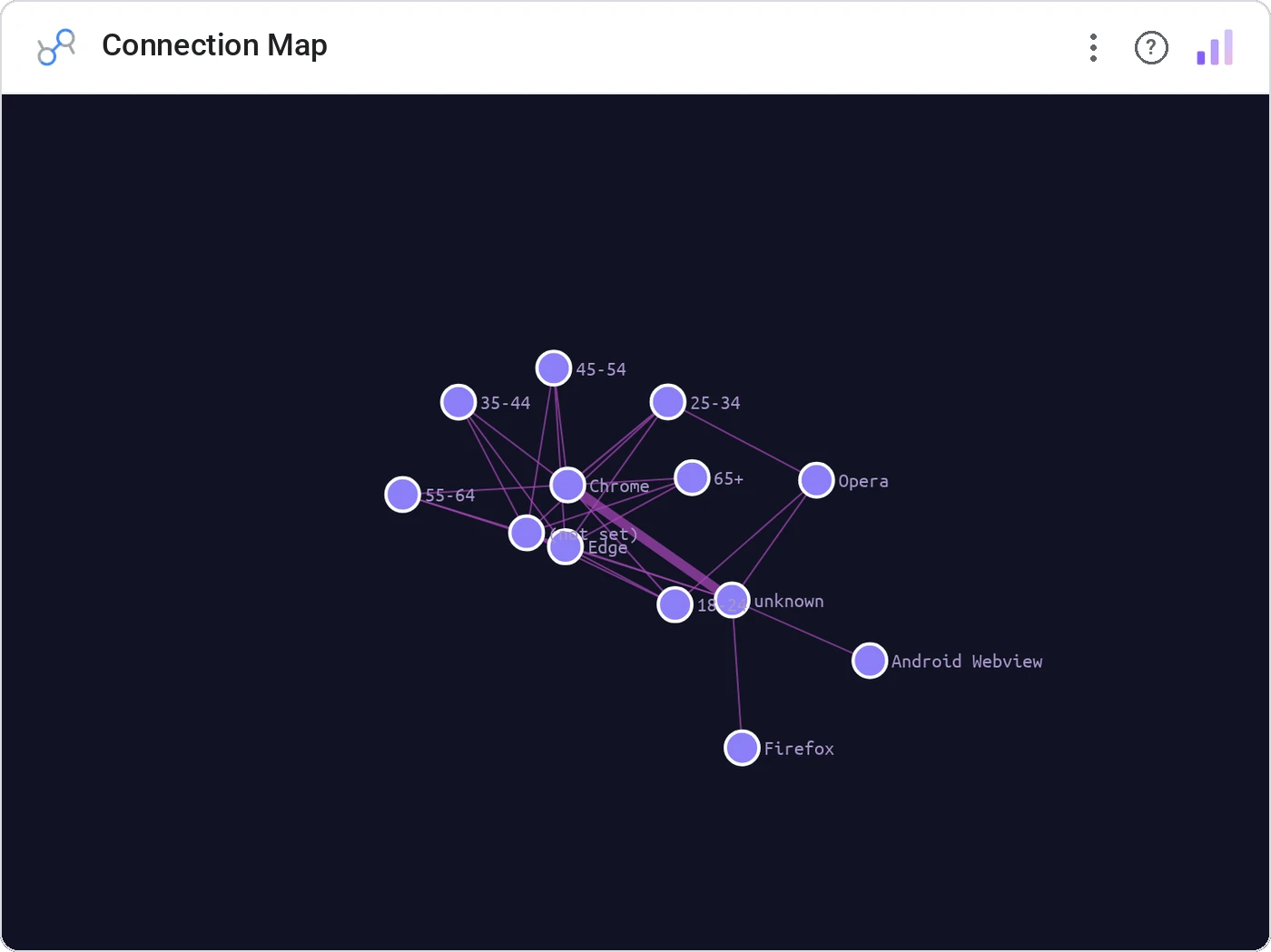
Connection Map lists entities as horizontal rows and draws bezier arcs between them, with arc thickness = connection strength. When you want a chord diagram but with searchable, sortable rows down the side, this is it.
Vertical entity list with bezier arcs across, sorted by total strength, with hover and cross-filter.
Easier to scan than a chord ring when entity names matter: labels stay readable.
Three ways teams use it.
Account ↔ account referral strength.
Team ↔ team collaboration intensity.
Asset ↔ asset traffic volume.
Add it in 30 seconds.
Open your Data Studio report and click Add a chart → Community visualizations → Explore more.
Paste the Viz Studio manifest URL or pick this chart from the Viz Studio gallery card.
Bind the dimensions and metrics in the data panel. Done.
More from Networks, Flows & Relationships
All 75+ charts →
Node-link arc diagram: relationships you can actually trace.

Proportional circles for audience segments: overlaps you can see.

Two columns, every link explicit: A-to-B relationships made obvious.

Circular chord ribbons: every pairwise flow, perfectly weighted.
Included in your vizstudio plan.
One plan, everything in it: the full library of 75+ charts. No per-seat upcharges, no metering. Build a real dashboard before you pay a cent.
Start free →