
Lollipop Chart
Cleaner than a bar chart, a dot and a stem, nothing wasted.
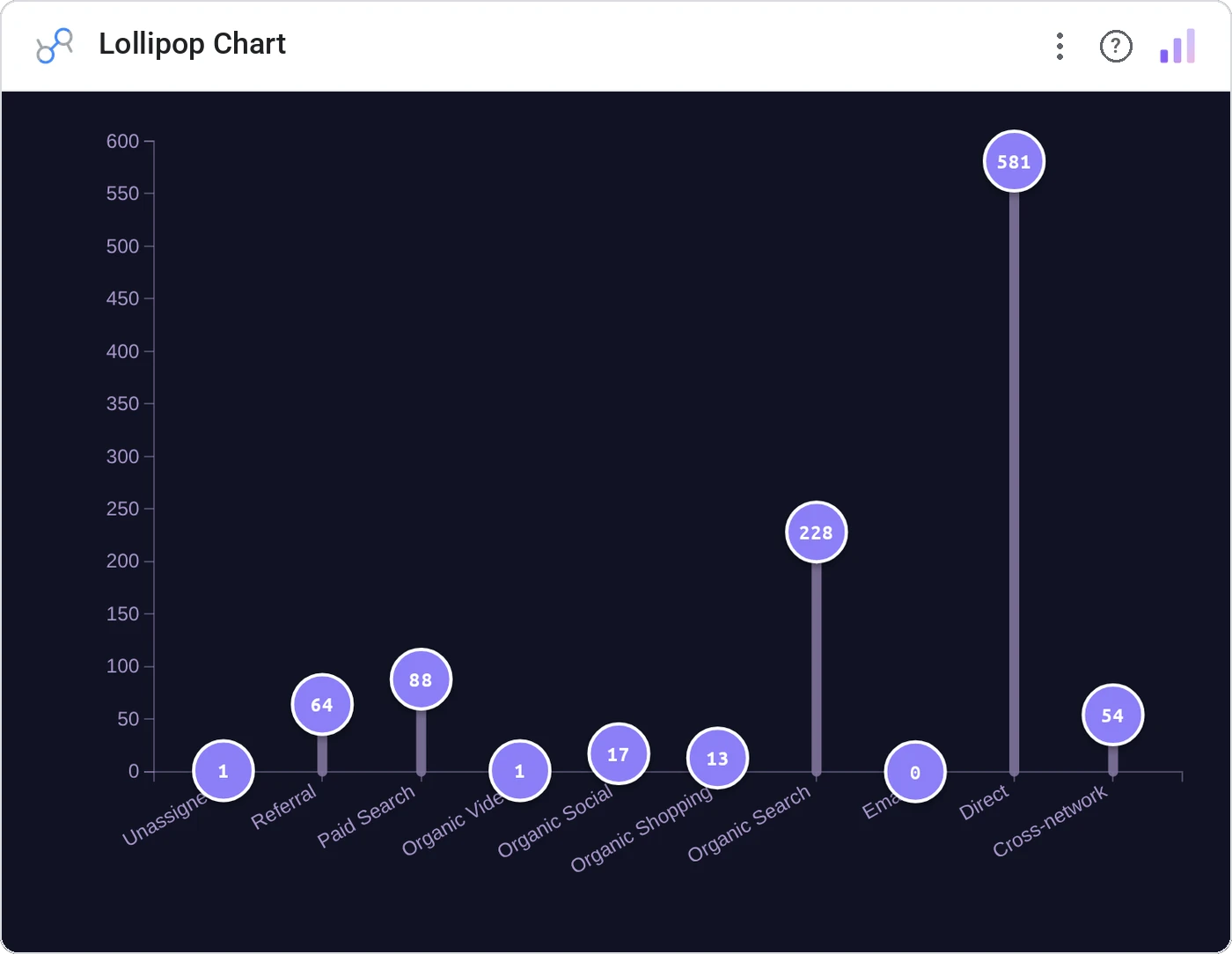
Lollipop Chart strips bar charts to a stem and a dot, reducing ink while keeping ranking and magnitude. The chart that says "we have taste" without sacrificing readability.
One row per category with a horizontal stem ending in a value-sized dot; optional color encoding.
Reads less heavy than bars when categories are many, and looks intentional.
Three ways teams use it.
Campaign performance ranked by ROI.
Salary by role with dots at current pay.
SKUs ranked by margin.
Add it in 30 seconds.
Open your Data Studio report and click Add a chart → Community visualizations → Explore more.
Paste the Viz Studio manifest URL or pick this chart from the Viz Studio gallery card.
Bind the dimensions and metrics in the data panel. Done.
More from Bars, Columns & Ranking
All 75+ charts →
CI bars for A/B variants: significance baked in.

The animated bar chart race that wins every monthly review.

Animated curved columns: bars that arc to draw the eye.

Curved columns, static, the still-frame version with the same elegance.
Included in your vizstudio plan.
One plan, everything in it: the full library of 75+ charts. No per-seat upcharges, no metering. Build a real dashboard before you pay a cent.
Start free →