
Parallel Coordinates Plot
Parallel axes: every record drawn across every dimension.
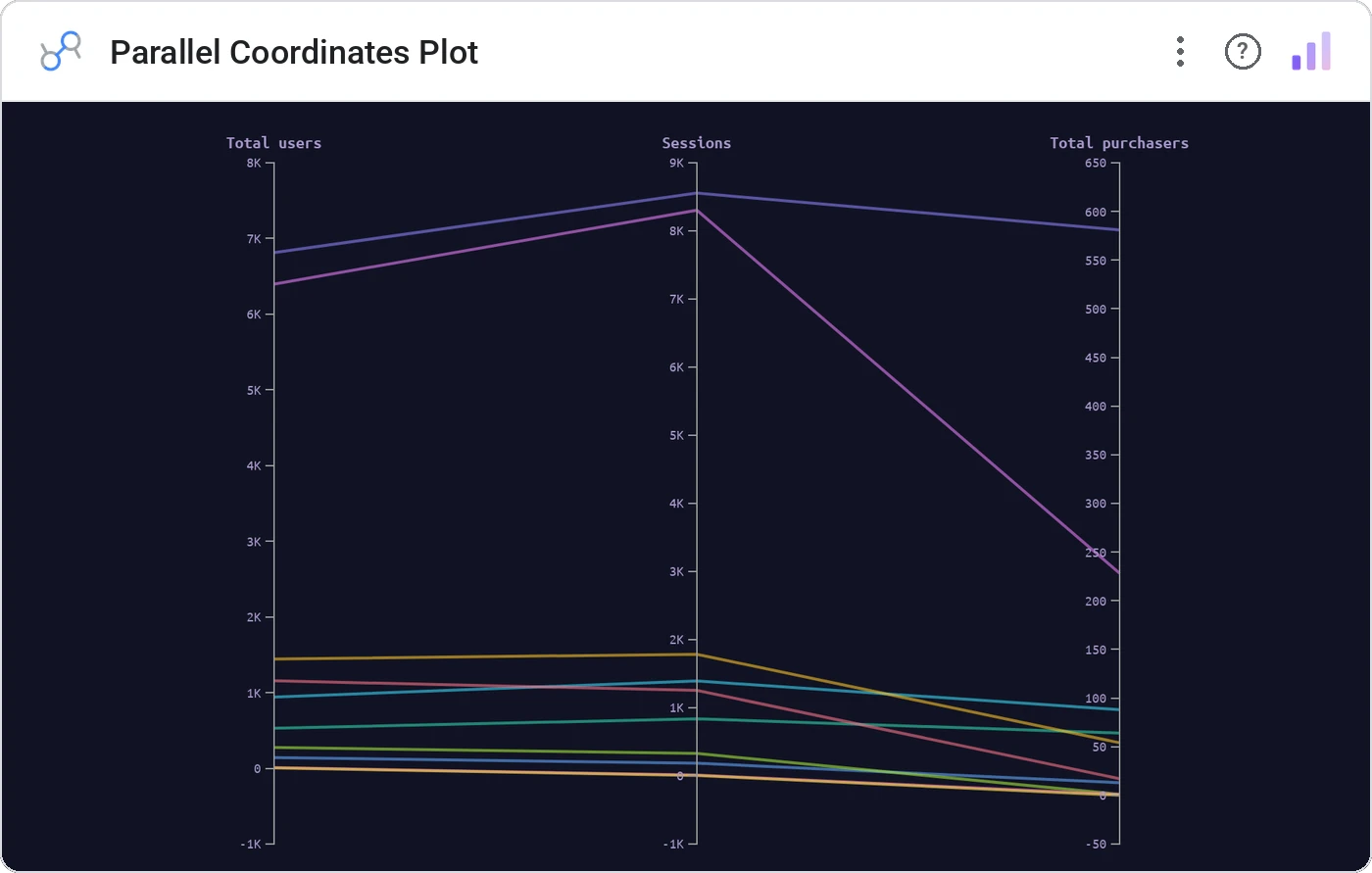
Parallel Coordinates Plot puts each numeric dimension on a vertical axis and draws every record as a polyline crossing them. The fastest way to spot multivariate patterns, and the multivariate scatter that doesn’t need PCA.
N vertical axes, one per metric, with one line per record traversing them. Brushing on any axis filters the rest; supports color by dimension.
Show how five or six metrics co-vary on a single canvas, and let viewers brush to query.
Three ways teams use it.
Stock fundamentals across PE, PB, ROE, growth, margin.
Compensation, tenure, level, performance, attrition risk.
User attributes across engagement metrics.
Add it in 30 seconds.
Open your Data Studio report and click Add a chart → Community visualizations → Explore more.
Paste the Viz Studio manifest URL or pick this chart from the Viz Studio gallery card.
Bind the dimensions and metrics in the data panel. Done.
More from Networks, Flows & Relationships
All 75+ charts →
Node-link arc diagram: relationships you can actually trace.

Proportional circles for audience segments: overlaps you can see.

Two columns, every link explicit: A-to-B relationships made obvious.

Circular chord ribbons: every pairwise flow, perfectly weighted.
Included in your vizstudio plan.
One plan, everything in it: the full library of 75+ charts. No per-seat upcharges, no metering. Build a real dashboard before you pay a cent.
Start free →