Quadrant Scatter
Four-quadrant scatter, the strategy chart you've drawn on whiteboards.
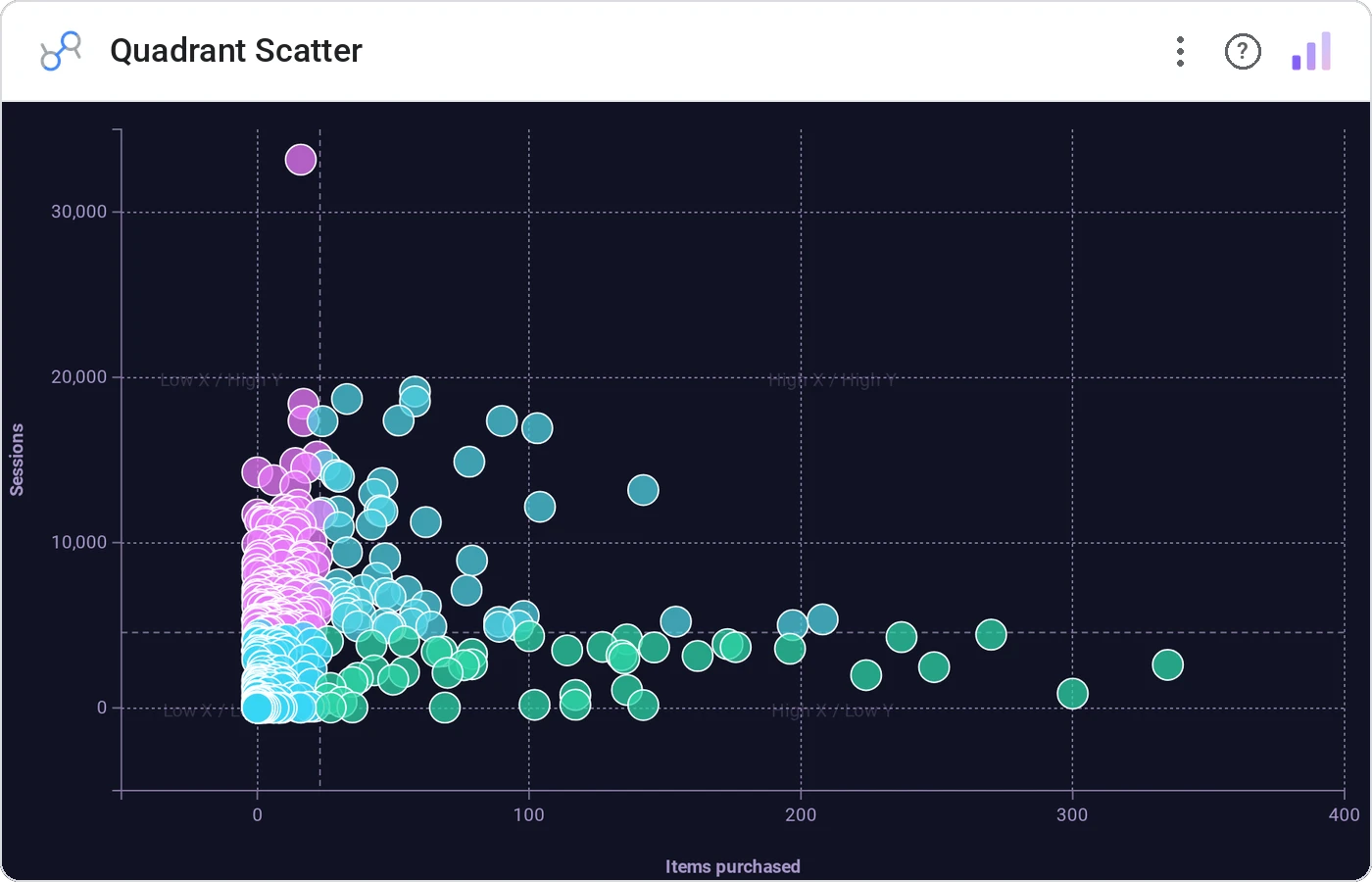
Quadrant Scatter splits your x/y plane into four labeled quadrants by configurable thresholds. Bubbles or dots, hover detail, cross-filter, the BCG / 2×2 framework that actually lives in your dashboard.
x/y scatter with vertical/horizontal threshold lines splitting the canvas into four labeled quadrants, optional bubble sizing.
Strategy conversations are quadrant-shaped. Bring them into the dashboard.
Three ways teams use it.
Markets by growth × share, four quadrants labeled.
Features by value × effort.
Accounts by potential × engagement.
Add it in 30 seconds.
Open your Data Studio report and click Add a chart → Community visualizations → Explore more.
Paste the Viz Studio manifest URL or pick this chart from the Viz Studio gallery card.
Bind the dimensions and metrics in the data panel. Done.
More from Scatter, Correlation & Bubbles
All 75+ charts →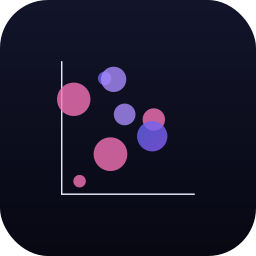
X × Y × size: three metrics, one chart, zero squinting.

A grid of bubbles: counts and magnitudes across two categorical axes.

Hexagonal density: scatter plots that survive 100k points.
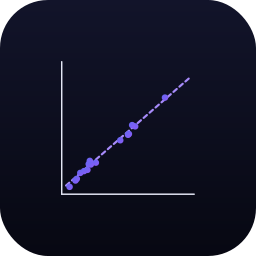
Scatter with a fitted trend line: correlation without the chart-junk.
Included in your vizstudio plan.
One plan, everything in it: the full library of 75+ charts. No per-seat upcharges, no metering. Build a real dashboard before you pay a cent.
Start free →