
Story Flow / Narrative
Narrative timeline: characters, threads, and where they meet.
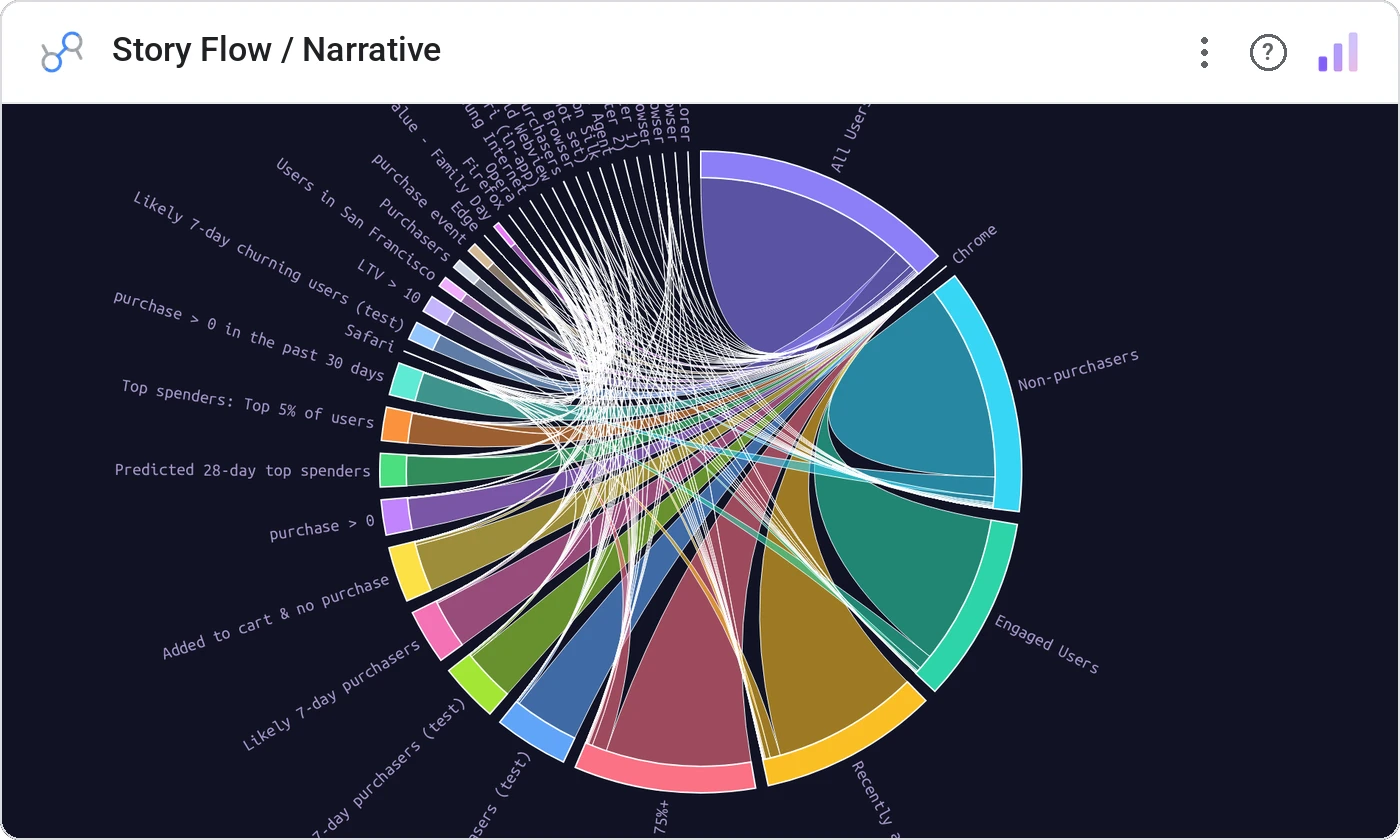
Story Flow / Narrative draws character or thread lines across a time axis, bending them together at shared events. Inspired by the storyline charts of Tufte and Munzner: perfect for project histories, character relationships, and incident reconstruction.
One smooth line per character/thread across a time axis, lines converge at shared events, with tooltips on each event.
Project history and character interaction are inherently flowing: story flow respects that geometry.
Three ways teams use it.
Engineers and services through an incident timeline.
Characters across episodes.
Workstreams meeting at shared milestones.
Add it in 30 seconds.
Open your Data Studio report and click Add a chart → Community visualizations → Explore more.
Paste the Viz Studio manifest URL or pick this chart from the Viz Studio gallery card.
Bind the dimensions and metrics in the data panel. Done.
More from Networks, Flows & Relationships
All 75+ charts →
Node-link arc diagram: relationships you can actually trace.
Proportional circles for audience segments: overlaps you can see.

Two columns, every link explicit: A-to-B relationships made obvious.

Circular chord ribbons: every pairwise flow, perfectly weighted.
Included in your vizstudio plan.
One plan, everything in it: the full library of 75+ charts. No per-seat upcharges, no metering. Build a real dashboard before you pay a cent.
Start free →