
Traffic Sources Chord
Traffic source chord: every channel-to-conversion flow ribboned.
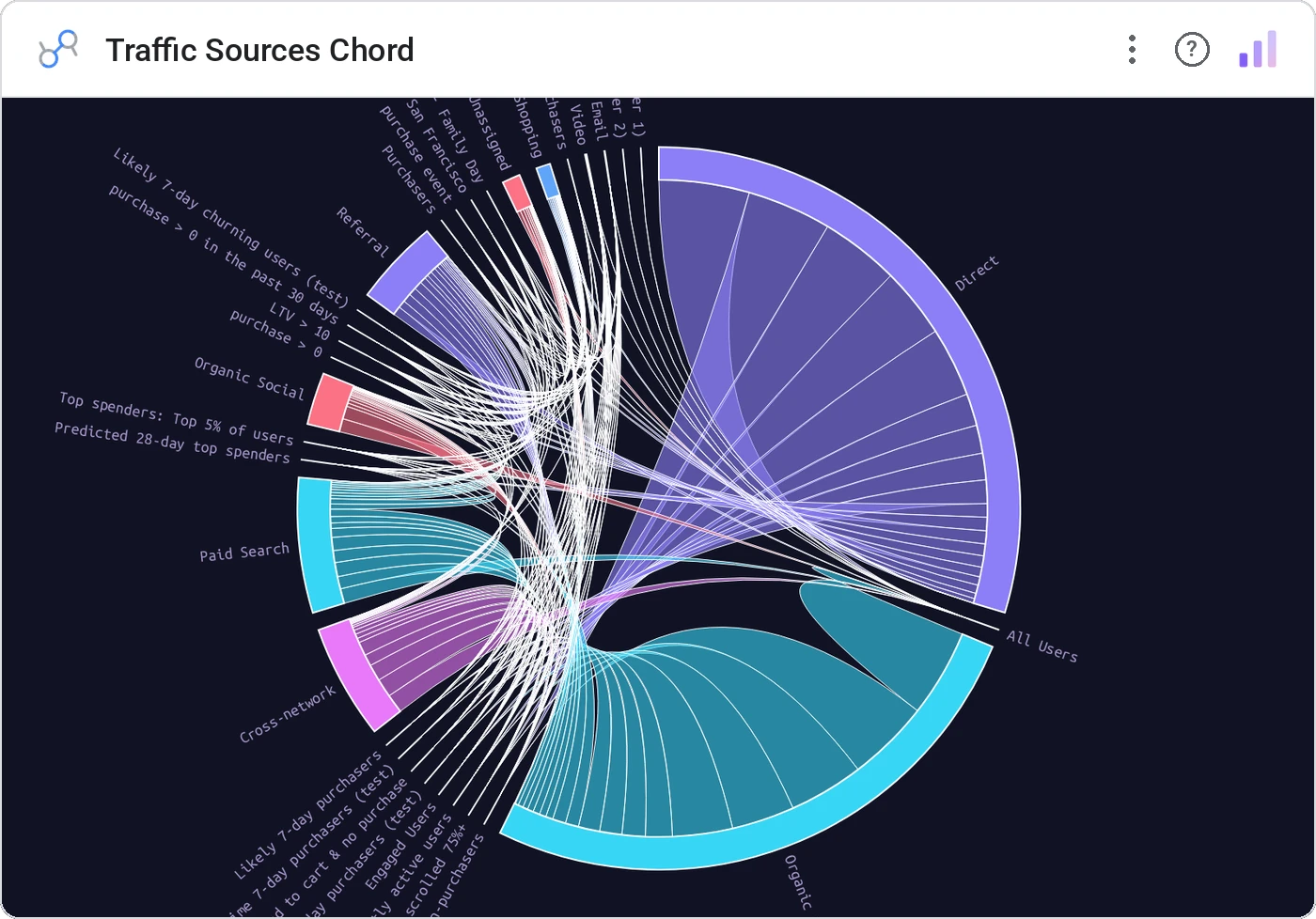
Traffic Sources Chord is a chord diagram tuned for marketing attribution: sources on the outside, conversions on the inside, ribbons weighted by flow. Multi-touch attribution finally readable.
Chord diagram with sources and conversions as arcs, ribbons weighted by flow, with hover-highlight and tooltip.
Sankey is one-directional; for true multi-touch ↔ multi-conversion flows, chord reads cleaner.
Three ways teams use it.
Channel ↔ conversion type flow.
Source ↔ purchased category.
Lead source ↔ pipeline stage.
Add it in 30 seconds.
Open your Data Studio report and click Add a chart → Community visualizations → Explore more.
Paste the Viz Studio manifest URL or pick this chart from the Viz Studio gallery card.
Bind the dimensions and metrics in the data panel. Done.
More from Networks, Flows & Relationships
All 75+ charts →
Node-link arc diagram: relationships you can actually trace.

Proportional circles for audience segments: overlaps you can see.

Two columns, every link explicit: A-to-B relationships made obvious.

Circular chord ribbons: every pairwise flow, perfectly weighted.
Included in your vizstudio plan.
One plan, everything in it: the full library of 75+ charts. No per-seat upcharges, no metering. Build a real dashboard before you pay a cent.
Start free →